
6 March 2025
Windows on Apple Phones: Bringing a Full Windows PC to iPhone with LoLa
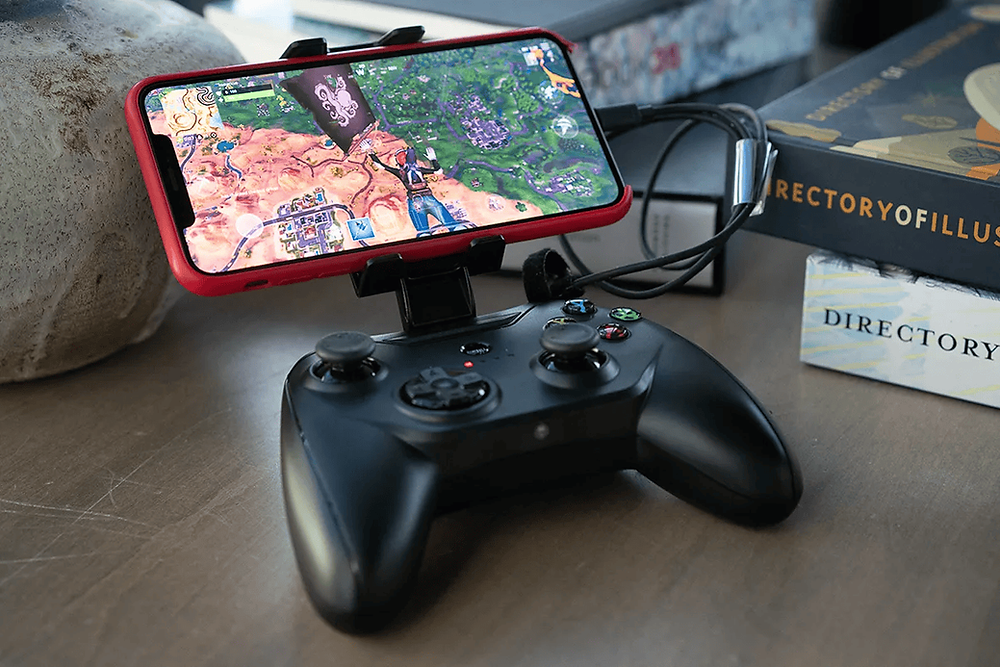
Imagine running a full-fledged Windows PC on your iPhone. Sounds impossible? Not anymore. With LoLa Remote/Cloud Desktop, iPhone users can access a high-performance Windows environment for productivity, creativity, or gaming—all from the palm of their hand.
Why Bring Windows to iPhone?
Apple’s ecosystem is excellent, however certain Windows applications and games are still unmatched. For iPhone users who want access to specialized software or gaming platforms, LoLa offers an exciting solution.
How LoLa Works on iPhone
LoLa allows users to stream a fully functional Windows desktop to their iPhone using the MoonShine Streaming Protocol. Instead of being tied to your device’s hardware, LoLa connects you to high-performance cloud PCs that can handle demanding applications and tasks. Simply download the app, log in, and you have access to a powerful Windows environment, no matter where you are.
Features:
-
High-Performance Streaming: Enjoy ultra-low latency and high-resolution graphics for even the most demanding applications.
-
GPU Acceleration: Perfect for gaming, video editing, AI tasks, and other GPU-intensive processes.
-
Cross-Device Sync: Seamlessly switch between devices, such as your iPhone, iPad, or Mac, without losing your progress
-
Accessibility: Use it anywhere with an internet connection, transforming your iPhone into a portable powerhouse..
-
Simple Setup: Download the LoLa app, sign in, and start using Windows immediately.

Who would use LoLa?
LoLa is versatile, catering to a wide range of needs:
-
Professionals: Run Windows-exclusive enterprise software, access virtual desktops for remote work, or handle productivity tools like Microsoft Access.
-
Gamers: Play high-performance PC games directly on your iPhone with crisp visuals and minimal lag.
-
Students: Use your iPhone to access campus software, complete assignments, or run simulations without needing a laptop.
Benefits of LoLa for iPhone Users
LoLa transforms the way iPhone users interact with Windows software, offering:
-
Cost Savings: Avoid buying a separate PC or laptop for Windows tasks.
-
Mobility: Access a full Windows desktop anywhere, making it ideal for travel or on-the-go work.
-
Ease of Use: Setup is simple, and the app is designed to work seamlessly across devices.
Conclusion
LoLa Remote/Cloud Desktop redefines what’s possible for iPhone users. By delivering a full Windows PC experience, it allows professionals, gamers, and students to unlock the full potential of their iPhones. Whether it’s for work, play, or creativity, LoLa ensures that the power of Windows is always at your fingertips.
To try Windows on your iPhone, go to our Downloads Page.