R&D · Education

Give learners access to specialist teaching PCs

Let authorised students and staff use campus software, GPU workstations and configured lab environments from their own devices, without rebuilding the course setup on every laptop.

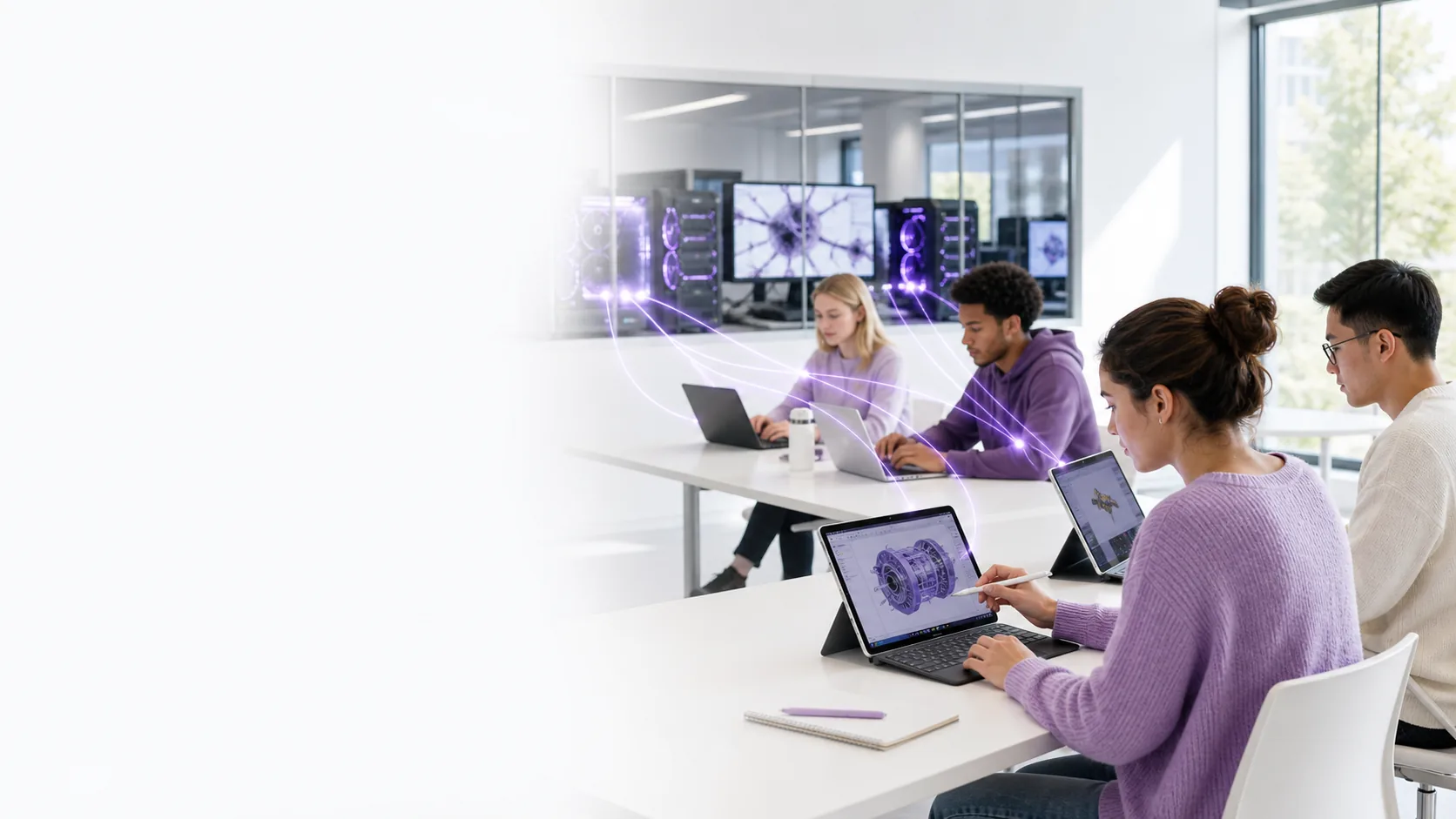
Students using lightweight devices connected through LoLa to specialist teaching workstations
Student deviceLoLaTeaching lab PC

Where it fits

Extend access to the machines a course already depends on.

01

Specialist software labs

Let authorised learners reach configured PCs that already contain the applications, plug-ins and course files required for practical work.

02

GPU teaching workloads

Support graphics, simulation, game-development and media exercises from lightweight student endpoints.

03

Flexible study access

Provide a route back to teaching machines outside scheduled lab sessions, subject to institutional access rules.

Plan the pilot

Start with one course and one constrained task.

A useful education pilot starts with the real lesson, application and workstation—not a generic connection test.

Choose the teaching workflowIdentify the application, class size, session length and required machine configuration.
Confirm institutional controlsReview identity, safeguarding, software licensing, data handling and acceptable-use requirements.
Test the learner experienceValidate responsiveness on the actual student devices and networks before expanding access.

See the access model

Configured teaching workstations, reached from another device.

The media illustrates the LoLa cross-device access model; it is not presented as an existing education case study.

A diverse group of university students collaborating around a laptop in a lecture room
Collaborative university learningStudents working together around a lightweight device in a lecture-room setting. Photo via Unsplash.
See LoLa working across devicesThe official “LoLa Cloud PCs – Imagine Video” demonstrates the cross-device access model relevant to learners and teaching staff. Watch on YouTube.

Next step

Test one real teaching workflow.

Tell us which application, machines and learner devices need to work together.

Talk to LoLa

Tell us what you need to connect.

Share the workflow, machines and users involved. We will review the details and recommend a practical next step.

No obligation. We use these details only to respond to your enquiry. See our privacy policy.