Lab and test rig access
Reach machines attached to instruments, drivers, test data or local-only tooling without giving every engineer physical access.
 LoLa
LoLa
Engineering
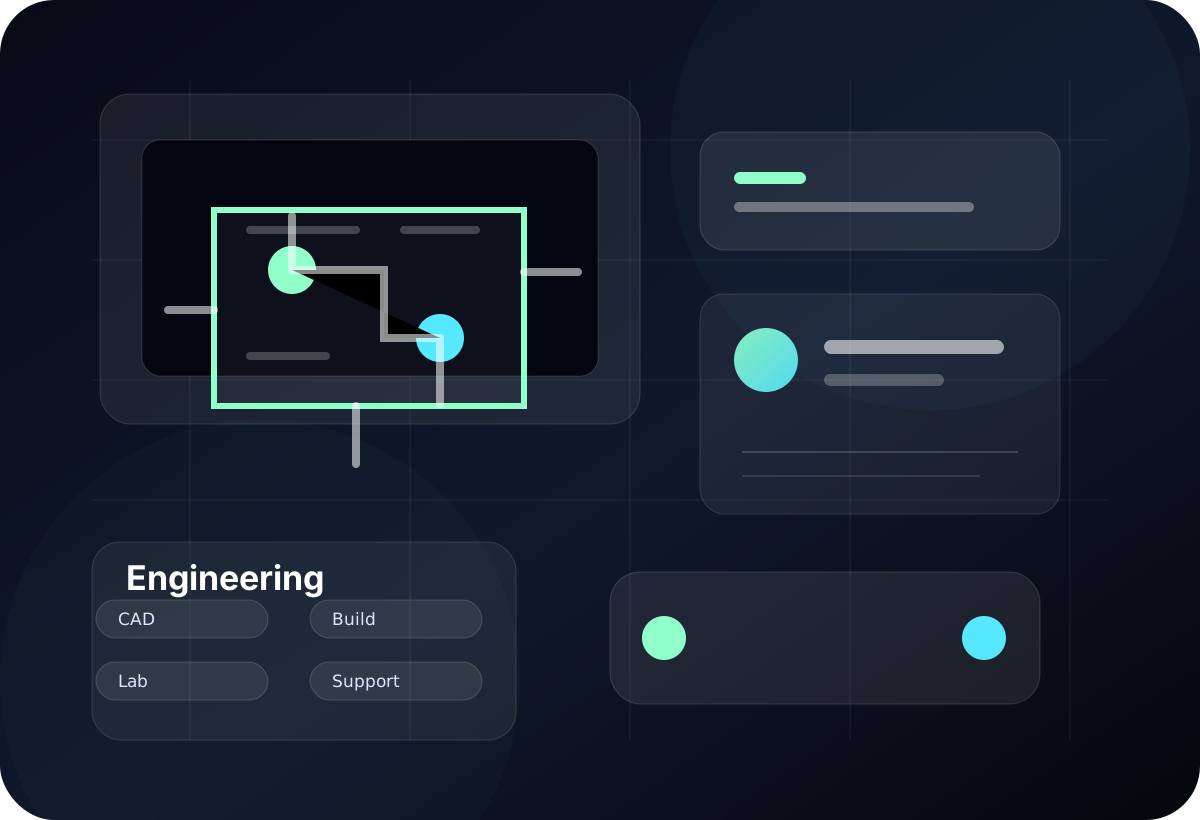
LoLa fits technical teams with awkward machines: CAD stations, controls laptops, lab PCs, GPU boxes, Windows build hosts and test rigs that cannot simply be replaced by a browser app.
Where LoLa fits
Reach machines attached to instruments, drivers, test data or local-only tooling without giving every engineer physical access.
Connect to the configured Windows machine that already has the solver, licence, model, driver and GPU setup.
Let developers or IT staff inspect shared build hosts, customer environments and Windows-only tools from another device.
Remote desktop first
LoLa is for teams that need practical access to real workstations, project software and controlled environments without moving the whole workflow onto every user device. The primary journey is to keep the important machine, application stack and project context in place, then give the right users a better way to reach it.
That keeps the buying decision simple: validate LoLa on one real workflow, add professional or team controls when it is useful, then add managed Cloud PCs only where extra hosted capacity is needed.
Why teams choose LoLa
Keep dongles, drivers, lab connections, local data and application setup on the machine that already works.
Support Mac, iPad or lightweight laptop users who still need a Windows engineering environment.
Avoid rebuilding fragile toolchains on every developer endpoint.
Give authorised staff a clearer way to see the exact workstation state.
Move shared technical assets away from informal access patterns.
Add managed hosts when the project needs capacity, isolation or a clean machine.
User journey
Technical rollouts work best when they start with the constrained machine: the lab PC, build host or CAD seat that cannot be recreated easily.
FAQ
LoLa can provide remote desktop access to that Windows PC. The lab device, driver and operational safety requirements still need to be validated by the team.
LoLa accesses the configured Windows workstation; it does not provide the engineering application licence. Existing licences may remain usable on that host subject to the vendor’s terms, licence server configuration and your organisation’s policy.
No. It is a remote desktop workflow. It may reduce local file movement, but it is not a general network VPN replacement.
Yes, where those tools run on a prepared Windows host. Validate source-control access, credentials, network dependencies, terminal behaviour and any connected test hardware before rollout.
Related workflows
Continue the solution journey for a related workflow.
Explore this pageAdd a managed host when there is no suitable PC to connect to.
Explore this pageCompare LoLa’s positioning for visitors already evaluating Parsec.
Explore this pageRelated insight
Need a host?
LoLa connects to your own machine first, then offers managed Cloud PCs for clean demo environments, temporary project seats, review machines or extra capacity.