Engine work without project copies
Connect to the Unreal, Unity or proprietary-engine workstation that already has the repo, launcher, SDKs and editor configuration in place.
 LoLa
LoLa
Game development
Keep the build, engine install, plugins, Perforce workspace and GPU workstation where they already work. LoLa gives developers, artists, producers and QA a cleaner way to reach those machines from Mac, iPad or another PC.
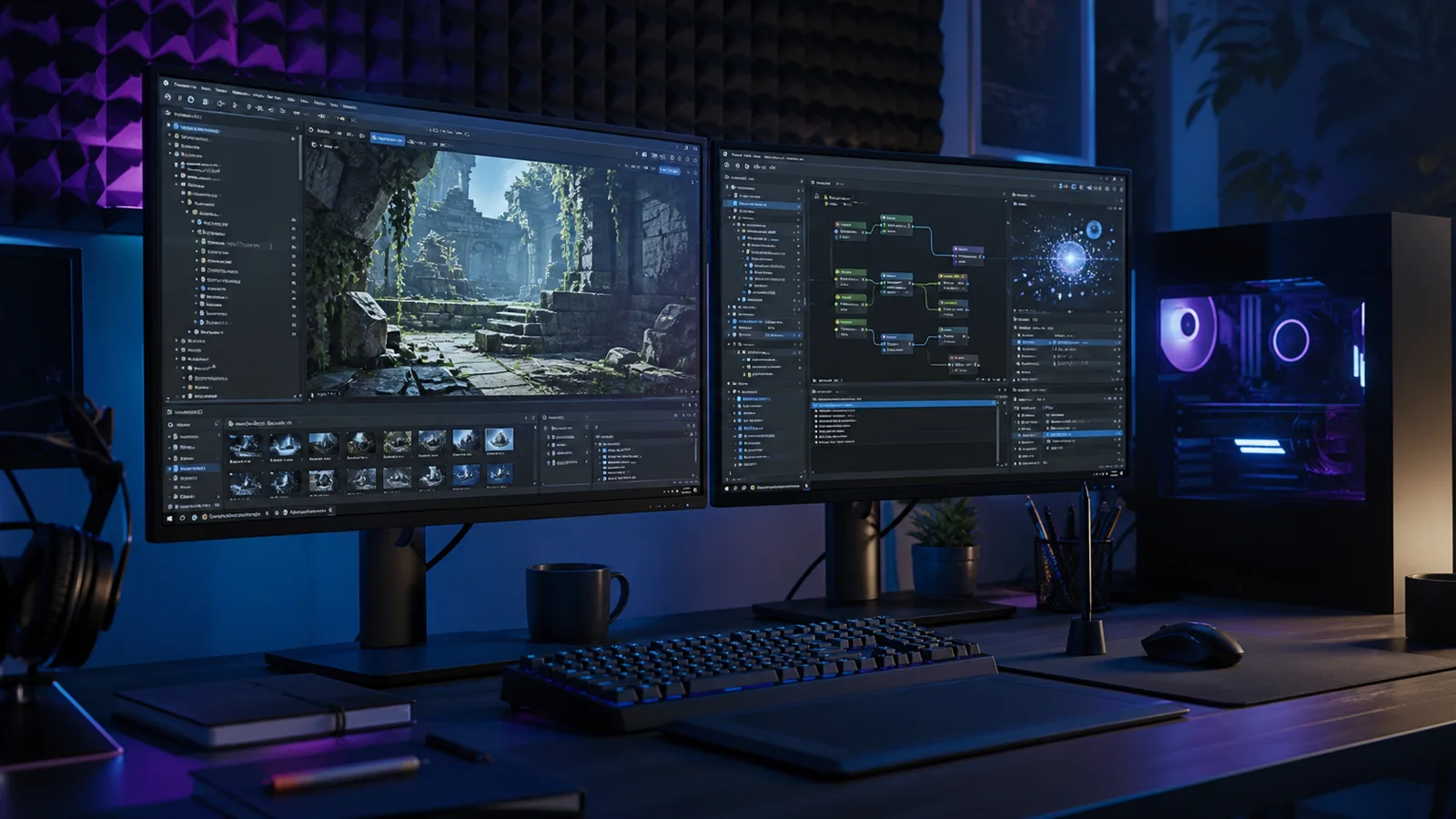
Workflow demo
A short visual proof point for teams checking whether LoLa feels responsive enough for hands-on play, review sessions and build access.
Where LoLa fits
Connect to the Unreal, Unity or proprietary-engine workstation that already has the repo, launcher, SDKs and editor configuration in place.
Let production, design and art leads open the real project machine for milestone review instead of waiting on packaged builds or exported captures.
Put test builds on controlled PCs and give testers repeatable access to the same GPU, driver, save state and branch.
Remote desktop first
LoLa is for teams that need practical access to real workstations, project software and controlled environments without moving the whole workflow onto every user device. The primary journey is to keep the important machine, application stack and project context in place, then give the right users a better way to reach it.
That keeps the buying decision simple: validate LoLa on one real workflow, add professional or team controls when it is useful, then add managed Cloud PCs only where extra hosted capacity is needed.
Why teams choose LoLa
Keep SDKs, plugins, marketplace assets, source branches and build tools on the machine that already runs the project.
Give producers and directors a portable route into project review without installing the whole toolchain locally.
Standardise access to test profiles, peripherals, launchers and hardware targets.
Move beyond ad hoc screen sharing when multiple people need access to shared project machines.
Use a workflow demo to map roles, machines and rollout risk before scaling access.
Solo developers can start free on their own PC before asking for team rollout help.
User journey
Start with the project machine that matters most, prove LoLa against the daily workflow, then add users and hosted capacity only where the studio has a real gap.
FAQ
Yes. LoLa connects you to the Windows PC where the engine, project files, plugins, source-control tools and launchers are already installed. Engine and plugin licensing remains subject to the relevant vendor terms.
Common input and display setups may work, but controller mapping, audio devices, multi-monitor use and specialist peripherals should be tested with the actual project and client device before studio rollout.
It can reduce the number of times a team has to package, upload or copy builds for review, because reviewers can reach the prepared host machine instead.
Only when there is no suitable studio PC, when a clean partner-review machine is required, or when a short project burst needs extra capacity.
Related workflows
Continue the solution journey for a related workflow.
Explore this pageContinue the solution journey for a related workflow.
Explore this pageCompare LoLa’s positioning for visitors already evaluating Parsec.
Explore this pageRelated insight
Need a host?
LoLa connects to your own machine first, then offers managed Cloud PCs for clean demo environments, temporary project seats, review machines or extra capacity.