BIM coordination access
Open Revit, Navisworks, model coordination tools or drawing packs on the workstation that already has the right files, plugins and licences.
 LoLa
LoLa
Architecture and design
LoLa is for practices that already have carefully configured Windows workstations, BIM models, CAD plugins, render tools and project storage. Connect to that environment remotely instead of rebuilding it on every laptop.
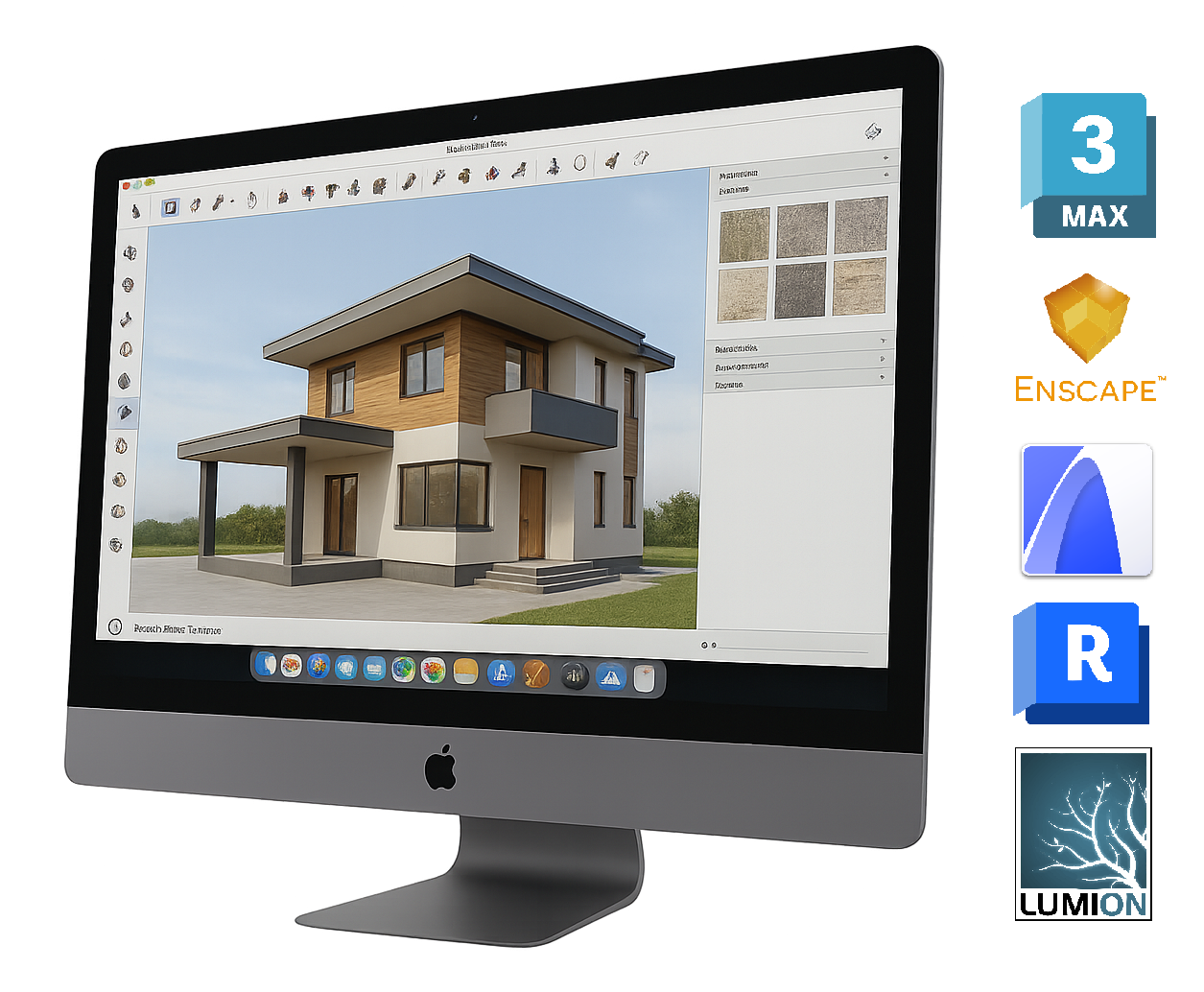
Workflow demo
Keep the workstation and specialist tools central, then use LoLa to reach that working environment from another device for design work, review or project access.
Where LoLa fits
Open Revit, Navisworks, model coordination tools or drawing packs on the workstation that already has the right files, plugins and licences.
Give directors, site teams or clients controlled access to a model review without copying sensitive files onto personal devices.
Reach CAD, visualisation and GPU-heavy design tools from Mac, iPad or a lightweight laptop when the workstation stays in the studio.
FAQ
LoLa connects you to the Windows workstation where AutoCAD, Revit or your other design software is already installed. Your existing licence may continue to work on that host, subject to the software vendor’s licence terms and your organisation’s policy; LoLa does not supply or transfer the application licence.
No. The usual workflow keeps files on the host PC or existing storage; LoLa provides the remote desktop access layer.
Standard keyboard and mouse input are the simplest fit. Test any 3D mouse, drawing tablet, USB device, multi-monitor setup or colour-critical display requirement with the real application before rollout.
When there is no suitable workstation for a temporary seat, project review environment or new starter.
Design workflow demo
Share the applications, workstation setup and number of users involved. We will use those details to shape a relevant LoLa demonstration.