Create your LoLa account
Start with the free personal route or choose the plan that fits your use.
 LoLa
LoLa
Remote desktop software
Connect to a compatible Windows PC from Mac, iPad, iPhone, Android, Chrome, Raspberry Pi or another computer. Start with the PC you already own; add hosted hardware only when you need it.
See LoLa working
LoLa keeps the applications, files and processing on your Windows host, then streams the interactive desktop to the device in front of you.
Your existing computer
No Cloud PC is required. Install LoLa on a compatible Windows host, sign in from a supported client and connect.
Start with the free personal route or choose the plan that fits your use.
Set up the compatible host PC that runs your applications and workloads.
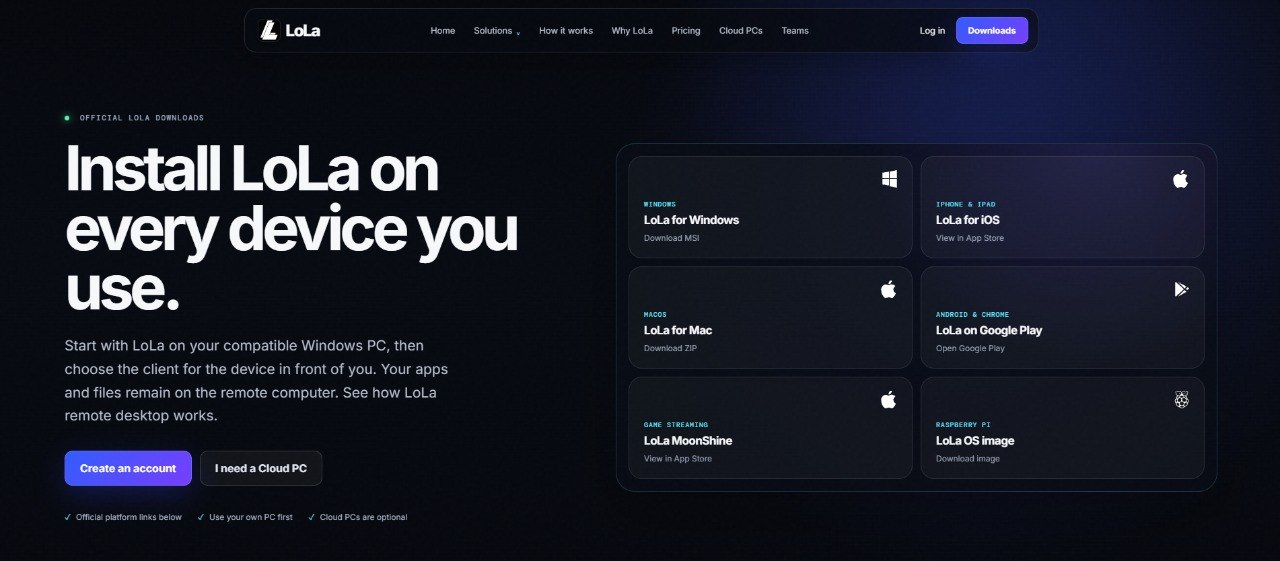
Install the client, sign in and select the available host.
Supported-device examples
The host PC does the heavy work while the supported mobile device becomes the screen and controller.
Watch the full demonstration →Counter-Strike runs on remote Windows hardware while Raspberry Pi receives and controls the stream.
Watch the full demonstration →Choose the right route
That determines whether you need Remote Desktop software or hosted hardware as well.
| Your situation | Start here | Next step |
|---|---|---|
| You own a suitable Windows PC | LoLa Remote Desktop | Download LoLa |
| You need additional GPU or CPU capacity | Managed Cloud PC | View Cloud PCs |
Ready to connect?
Download LoLa now. If hardware becomes the constraint, the Cloud PC route remains available separately.