
14 November 2024
Top 5 Remote Desktop Apps for Gaming in 2025 PC gaming
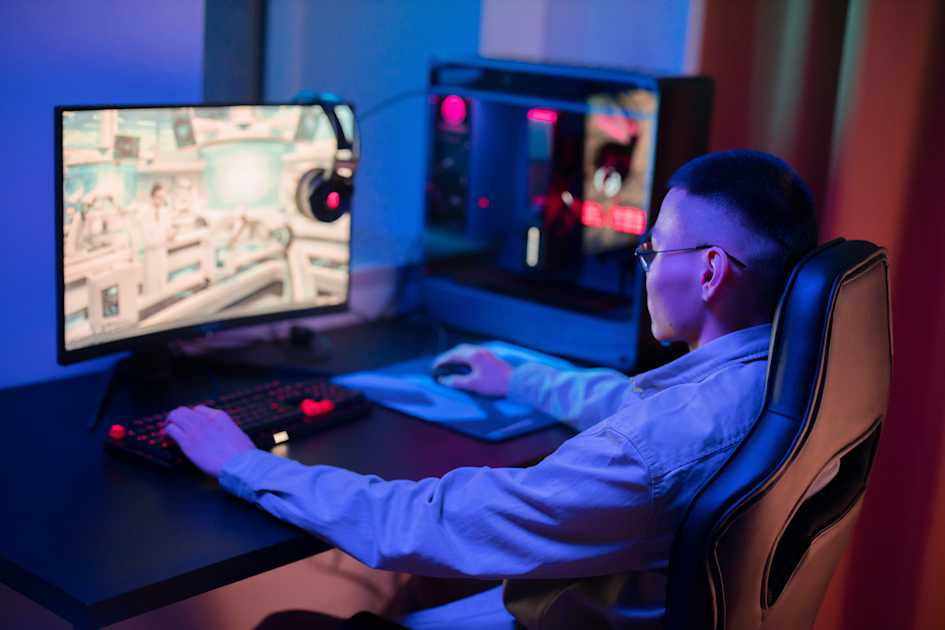
In today’s world of cloud computing and remote work, remote desktop apps are becoming increasingly vital for gamers and creative professionals. Whether 1 you’re streaming your games, working on high-performance creative tasks, or collaborating remotely, the right remote desktop app can make a huge difference. In this article, we compare five of the best remote desktop apps for gaming, analysing their latency, performance, and features.

1. LoLa PC – Best for Creative Gamers and Low-Latency Streaming
Why It Stands Out:
LoLa PC is designed specifically for gamers and creative professionals, offering ultra-low latency streaming and AI-powered compression for real-time gaming and high-performance creative work. It supports 4K streaming at 60fps, high-end GPU acceleration, and seamless connectivity, making it a top choice for gaming, video editing, and 3D design..
Key Features:
✔ AI-powered compression for smooth video streaming
✔ Customisable cloud PC configurations
✔ Supports gaming and professional creative software
✔ Low-latency performance
Best For: Gamers who also work in creative industries like video editing, 3D modelling, and streaming.

2. Parsec – Best for Competitive Gaming
Why It Stands Out:
Parsec is widely known for its fast remote gaming experience with incredibly low latency. Unlike traditional remote desktop software, it is optimized for gaming and offers high-speed streaming and 60fps gameplay.
Key Features:
✔ Low-latency streaming for competitive gaming
✔ High-quality 4:4:4 color mode for accurate visuals
✔ Peer-to-peer multiplayer capabilities
✔ Works on Windows, macOS, and Linu
Best For: Gamers who want a free, high-speed remote desktop app for multiplayer gaming.
3. Moonlight – Best for NVIDIA Users
Why It Stands Out:
Moonlight is an open-source alternative to NVIDIA GameStream, allowing gamers to stream from their own PC to any device. It delivers low latency and high-quality streaming, making it a great option for users with NVIDIA GPUs.
Key Features:
✔ Free and open-source
✔ High-quality, low-latency streaming
✔ Supports 4K 120fps streaming
✔ Compatible with Windows, Android, and iOS
Best For: Gamers with NVIDIA GPUs looking for a free, high-performance streaming solution.

4. Steam Remote Play – Best for Steam Gamers
Why It Stands Out:
Steam Remote Play lets users stream games from their PC to other devices using Steam’s built-in remote desktop system. It’s ideal for gamers who primarily use Steam’s ecosystem.
Key Features:
✔ Easy setup via Steam
✔ Works on various devices (PC, macOS, Linux, mobile)
✔ Supports multiplayer gaming remotely
✔ Free for Steam users
Best For: Steam users who want an easy way to play their games on multiple devices.

5. AnyDesk – Best for General Remote Desktop Access
Why It Stands Out:
AnyDesk is not a gaming-specific platform but offers a lightweight and fast remote desktop solution. It supports low-latency streaming and is useful for gamers who also need remote access to their creative projects.
Key Features:
✔ High-speed remote access
✔ Low system resource usage
✔ Secure data encryption
✔ Works on multiple operating systems
Best For: Creative professionals who need remote access to both gaming and work-related tasks.
Final Verdict: Which One Should You Choose?
🔹 Best Overall for Gaming & Creativity: LoLa PC
🔹 Best for Pure Gaming Performance: Parsec
🔹 Best for NVIDIA GPU Owners: Moonlight
🔹 Best for Steam Gamers: Steam Remote Play
🔹 Best for General Remote Access: AnyDesk
If you’re a creative gamer looking for high-performance remote gaming and work capabilities, LoLa PC is the best choice!
🚀 Try LoLa PC today and experience gaming and creative workflows like never before!
