Engineering support access
Let authorised engineers inspect production PCs, monitoring dashboards or configuration tools without needing to be on site for every issue.
 LoLa
LoLa
Broadcast
Broadcast teams need careful language. LoLa is best positioned first for prepared PCs, monitoring stations, support workflows, rehearsal, review and operational access where the workflow can be tested before live-critical use.
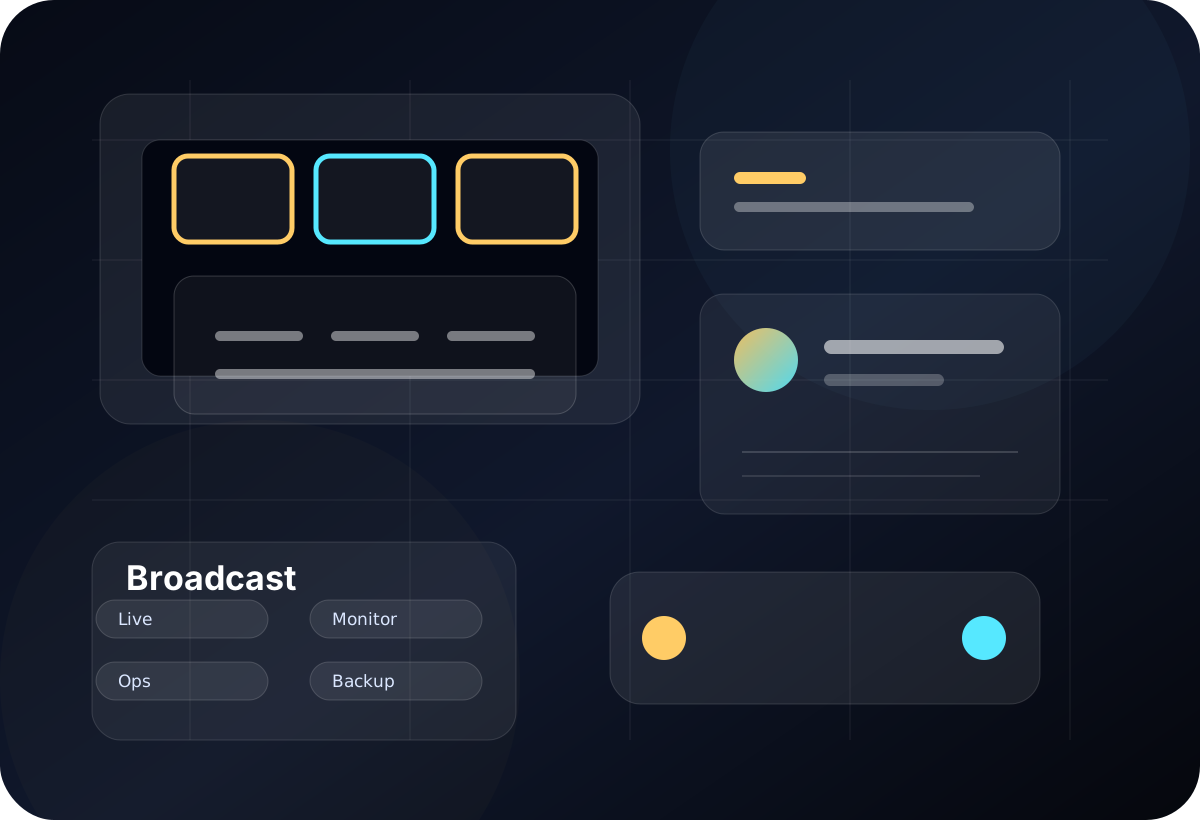
Where LoLa fits
Let authorised engineers inspect production PCs, monitoring dashboards or configuration tools without needing to be on site for every issue.
Access prepared machines before the event for checks, content prep, playlist review or operational setup.
Create scoped access for temporary operators, support staff or monitoring roles during planned production windows.
Remote desktop first
LoLa is for teams that need practical access to real workstations, project software and controlled environments without moving the whole workflow onto every user device. The primary journey is to keep the important machine, application stack and project context in place, then give the right users a better way to reach it.
That keeps the buying decision simple: validate LoLa on one real workflow, add professional or team controls when it is useful, then add managed Cloud PCs only where extra hosted capacity is needed.
Why teams choose LoLa
Reach controlled PCs and dashboards used by engineers, producers or operations staff.
Keep the operational software and settings in a known state.
Map who can connect, when, why, and what fallback exists.
Add access for specific windows rather than permanent broad access.
Use hosted machines for monitoring or support capacity when a physical host is missing.
The page sets up a scoped demo instead of promising unspecific live broadcast resilience.
User journey
Broadcast access should expand from low-risk support and monitoring into documented workflows with tested conditions, owners and fallback routes.
FAQ
Only after a carefully scoped test and runbook. Start with lower-risk support, monitoring and preparation workflows first.
It can access supported applications running on the host PC. Any hardware panel, USB device, video I/O, talkback or timing-sensitive control must be validated separately before operational use.
LoLa should sit within a tested operational plan that defines local fallback, reconnect procedures, support ownership and which functions must remain available without remote access.
Because broadcast environments need workflow-specific validation, permissions, fallback routes and support ownership.
Related workflows
Continue the solution journey for a related workflow.
Explore this pageContinue the solution journey for a related workflow.
Explore this pageAdd a managed host when there is no suitable PC to connect to.
Explore this pageRelated insight
Need a host?
LoLa connects to your own machine first, then offers managed Cloud PCs for clean demo environments, temporary project seats, review machines or extra capacity.