Comp and shot workstation access
Reach prepared Nuke, After Effects, Blender, Houdini or edit machines with the right project setup already loaded.
 LoLa
LoLa
VFX and editing
LoLa fits the messy reality of visual production: shot files, cache paths, plug-ins, GPU drivers, colour tools and workstation preferences already live on the artist machine. Connect to that machine instead of recreating it everywhere.
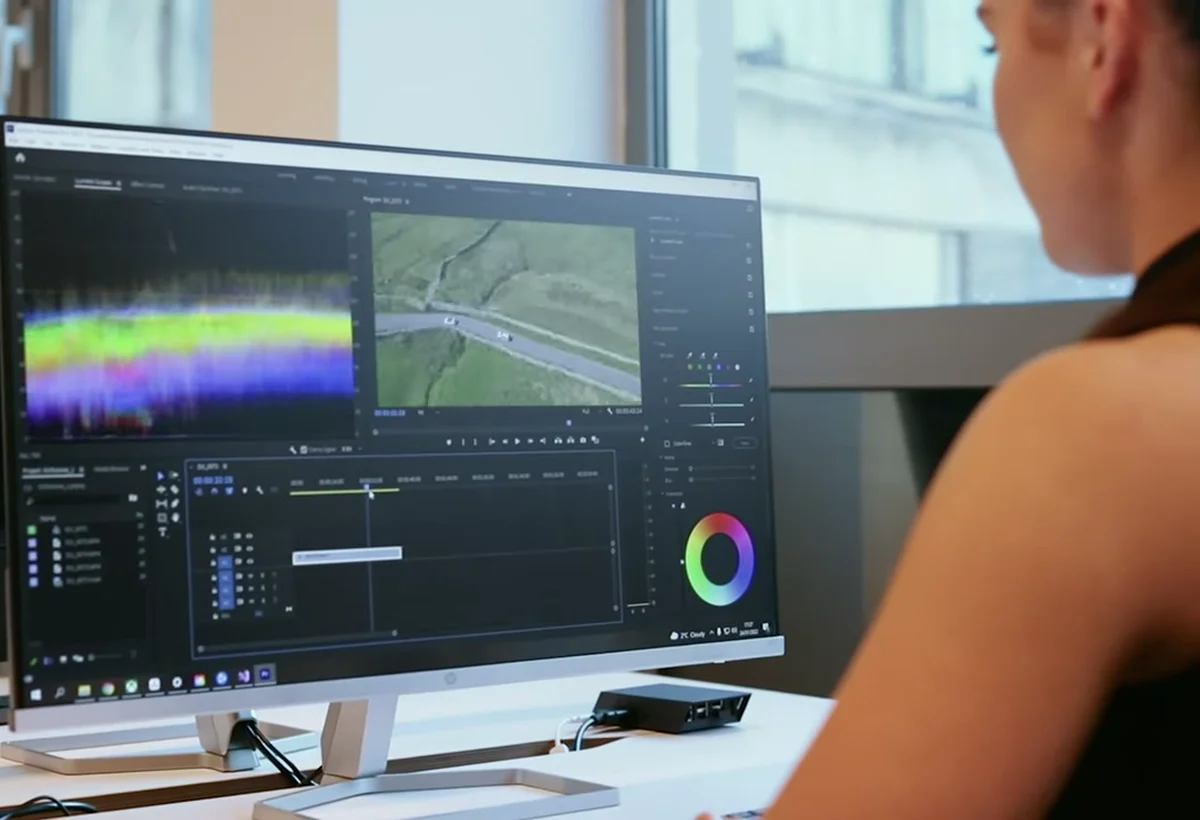
Workflow demo
Use LoLa to reach the machine that already holds the creative tools, project files and GPU setup, then validate the real shot, edit or review workflow before scaling it.
Where LoLa fits
Reach prepared Nuke, After Effects, Blender, Houdini or edit machines with the right project setup already loaded.
Let supervisors inspect shots, timelines or scene files in the working environment rather than relying only on exports.
Support freelancers or burst teams with controlled access to studio machines or managed hosts.
Remote desktop first
LoLa is for teams that need practical access to real workstations, project software and controlled environments without moving the whole workflow onto every user device. The primary journey is to keep the important machine, application stack and project context in place, then give the right users a better way to reach it.
That keeps the buying decision simple: validate LoLa on one real workflow, add professional or team controls when it is useful, then add managed Cloud PCs only where extra hosted capacity is needed.
Why teams choose LoLa
Keep creative tools, plug-ins, scripts, fonts, LUTs and cache paths on the configured workstation.
Review the actual working environment instead of another flattened export where useful.
Map who needs full control, review access or support access before rollout.
Connect from Mac, iPad or PC for review and support workflows that fit the device.
Use Cloud PCs only where the existing machine pool cannot cover the production.
The right next step is testing a real shot or edit, not reading another generic latency claim.
User journey
Validate LoLa on a real shot or edit with the normal plug-ins, paths and display needs, then add supervisors or freelancers once the workflow is proven.
FAQ
LoLa provides access to the workstation where the tools are installed; it does not include application or plugin licences. Confirm host, named-user and licence-server requirements with the relevant vendors.
No. The normal model keeps media and project files on the host workstation or existing storage.
Standard input is the simplest fit. Test tablets, colour-critical monitoring, high-resolution displays, multiple monitors and any specialist devices with the real shot or scene before production use.
Only if there is no suitable artist workstation or the production needs temporary isolated capacity.
Related workflows
Continue the solution journey for a related workflow.
Explore this pageContinue the solution journey for a related workflow.
Explore this pageAdd a managed host when there is no suitable PC to connect to.
Explore this pageRelated insight
Need a host?
LoLa connects to your own machine first, then offers managed Cloud PCs for clean demo environments, temporary project seats, review machines or extra capacity.